Your contact will update the status after reviewing your documents.
Client portal
Clients submit documents and see the status of their own requests. Staff can review submissions in one place.
View client portal example →Describe your workflow in the AI assistant you already use. Review the screens and who can access them, then choose where your app runs.
14-day Cloud trial. No card needed.
Setup guides for
Start with a workflow your team already knows.
Your contact will update the status after reviewing your documents.
Clients submit documents and see the status of their own requests. Staff can review submissions in one place.
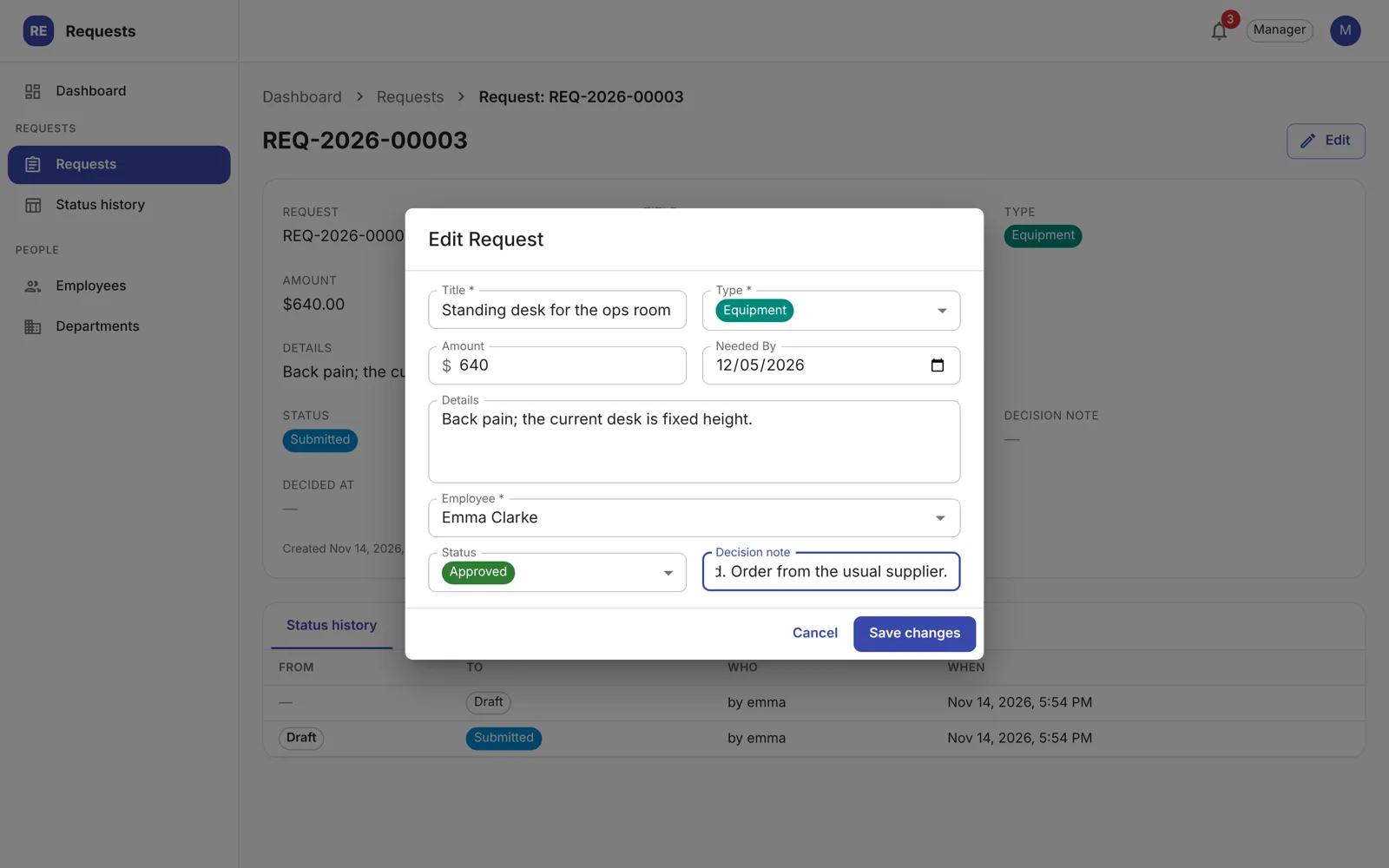
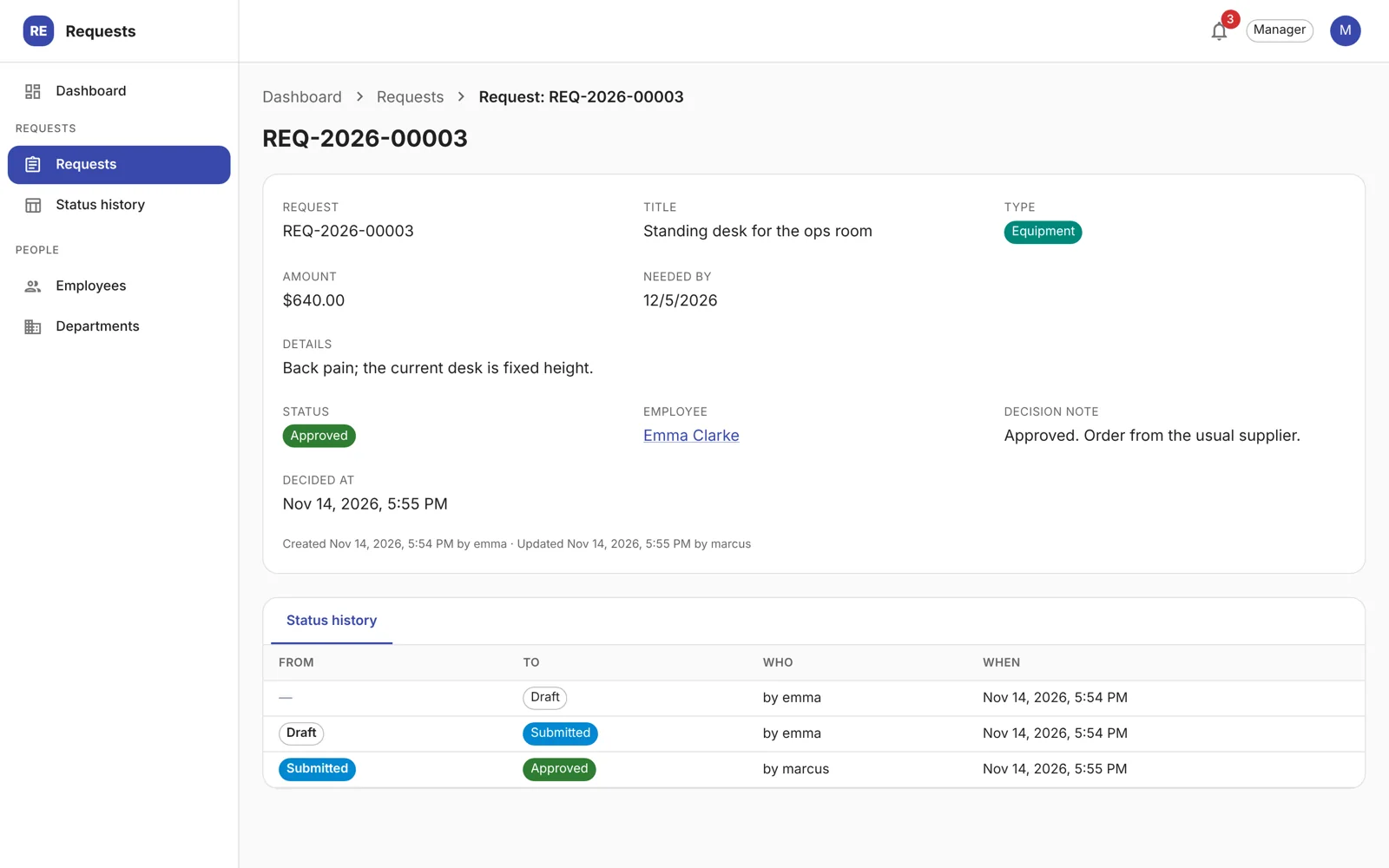
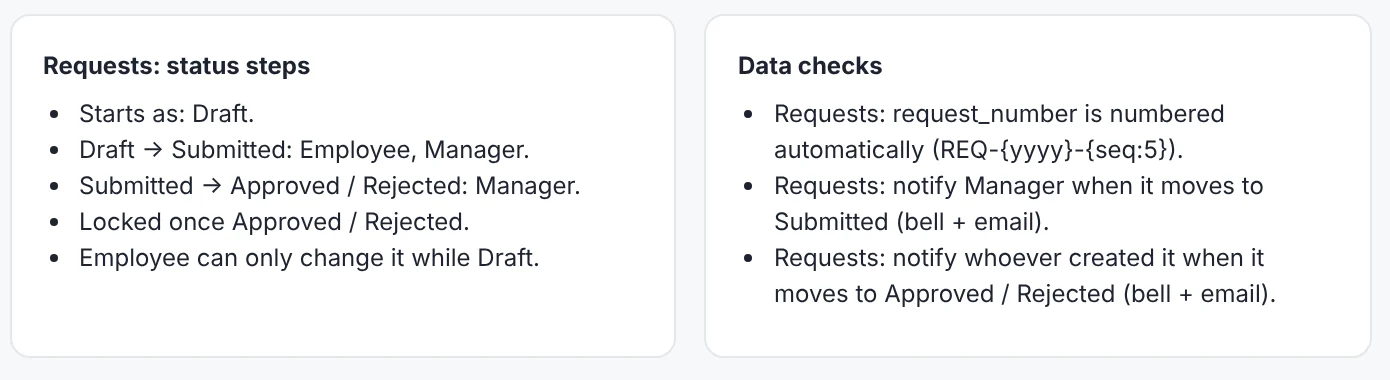
View client portal example →Employees submit requests. Managers record decisions and employees can see the outcome.
View internal approval tracker example →Inspectors record results and photos on site. Supervisors can assign and follow up on corrective actions.
View field inspection checklist example →Tell your assistant what people need to do and what information the app should keep.
Check what each screen shows and who can view, edit, or approve records. Ask for changes to the plan before you approve it.

Ask your assistant to publish the approved plan to NeoApps Cloud. Open the app link when it’s ready. You can also run the app yourself.

Use the app with your team. Review its activity and ask your assistant to plan changes as your workflow evolves.

NeoApps turns the reviewed plan into an application with sign-in, records, and roles.
Let clients see their own documents and give staff the access they need to review submissions.
For workflows configured with approvals and audit history, see who made the decision and when.
Use the open-source generator to build the app from its schema and configuration.
Use NeoApps Cloud, arrange setup in your own cloud account, or run the open-source generator on your own infrastructure.
Our team built ClaimKit with a coding agent and NeoApps. The portal collects documents and tracks evidence so consultants can review client submissions.
Try NeoApps Cloud for 14 days. See pricing for current plans, app limits, and what happens when the trial ends.
For the Cloud connector, describe the app in your own words and review the plan in your assistant. The local setup is available if you prefer to run the tools yourself.
See the assistant setup guides for supported connection paths and workspace requirements.
The plan describes what the app tracks, its screens, and what each person can do. Ask your assistant to revise anything that needs changing.
See the troubleshooting guide for help with connecting, signing in, and publishing.
Connect your assistant and describe a workflow you want to improve.